Best Linear Calendar App for iPhone: What Actually Matters in Daily Use
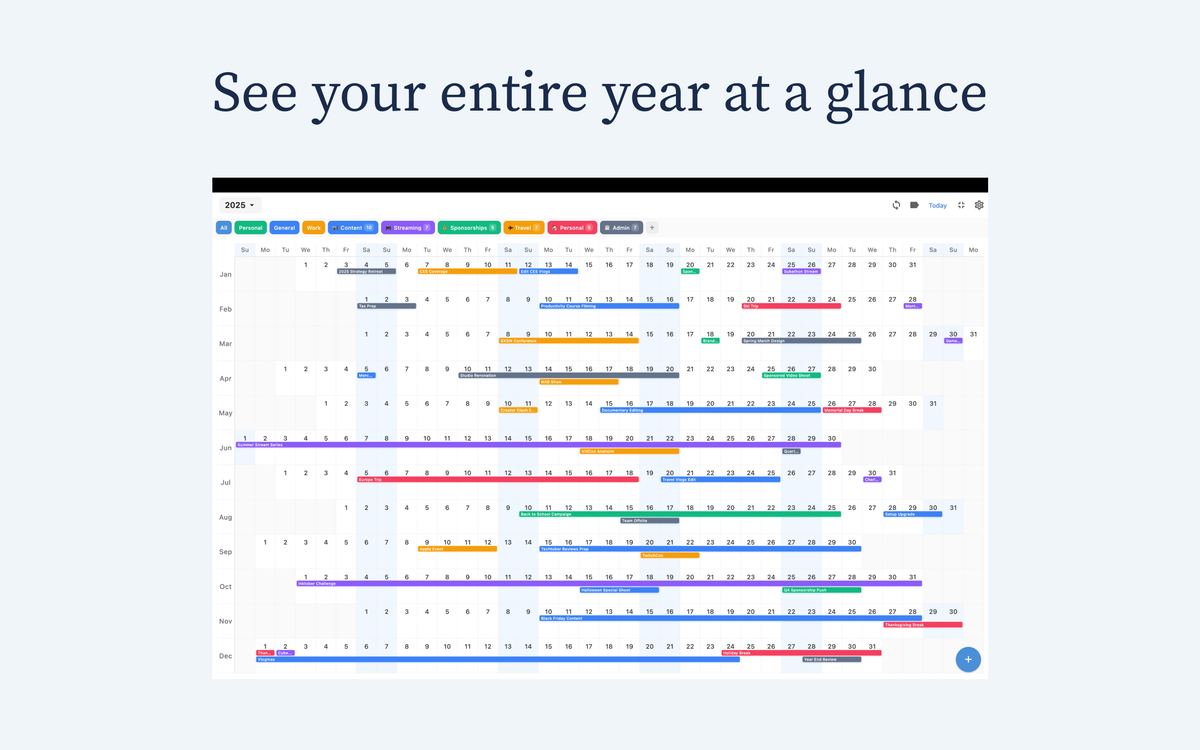
If you have tried five calendar apps and still feel behind, the problem may not be your discipline. It is usually the view. Most apps train you to manage a day. Fewer apps help you plan a month, quarter, or full year with clarity.
That is why people searching for the best linear calendar app for iPhone are usually not looking for more features. They want less friction, better visibility, and fewer scheduling surprises.

What makes a linear calendar better than a grid one?
A traditional month grid is good for checking dates quickly. But long-range planning is harder because your attention gets split across separate pages.
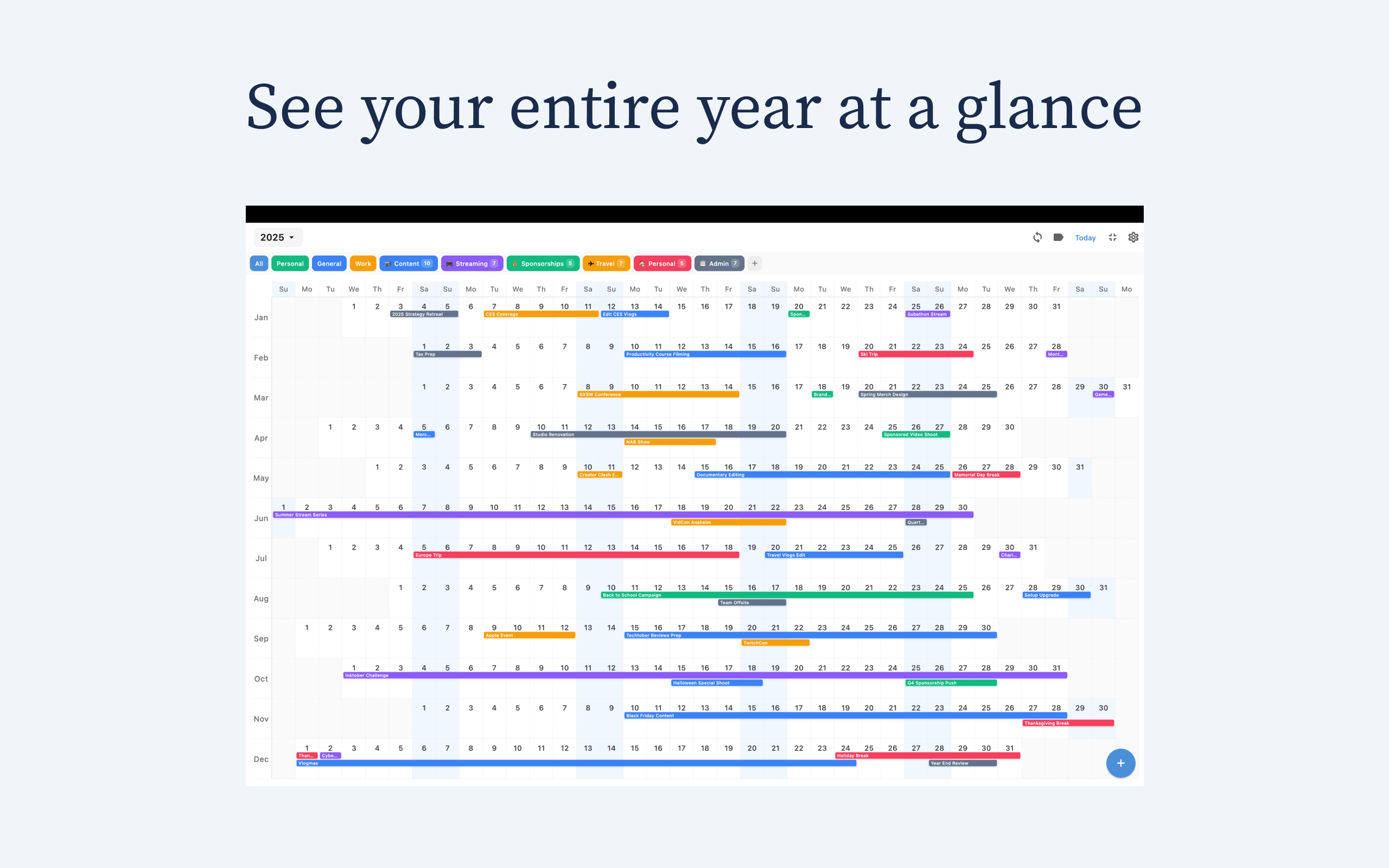
A linear calendar shows time as a continuous flow. You can scan forward naturally, see bottlenecks early, and understand how this week affects next month.
5 things that matter in daily use
1) Visual clarity at a glance
If you need to zoom, toggle, and dig through menus to understand your week, the app is costing you attention.
2) Speed of adding and moving events
A good calendar should be fast enough that you trust yourself to keep it updated.
3) Sync reliability
If iPhone, iPad, and Mac do not stay in sync, your planning system breaks. iCloud reliability is non-negotiable for Apple users.
4) Long-range context
You should be able to see commitments across months without endless swiping.
5) Pricing that still feels fair in year two
Look at real annual cost, not just trial price.
Best linear calendar app for iPhone: practical comparison
Chronos is best for people who want clean year-level visibility with minimal noise. It is designed around linear planning instead of daily micromanagement, and pricing stays simple: $4.99/year or $14.99 lifetime.
Some mainstream apps add timeline modes, but many still center the grid workflow. Team-first project tools can be powerful, though often heavy for personal day-to-day planning on iPhone.
Who should choose Chronos?
- People planning in multi-week or multi-month blocks
- Users who want fewer scheduling surprises
- Anyone who values clean UX over feature overload
- Apple users who need reliable iPhone + iPad + Mac sync
Final verdict
The best linear calendar app for iPhone is the one that improves your decisions, not the one with the longest feature list. For clarity, speed, sync, and long-range context, Chronos is a strong practical choice.
Try Chronos: https://chronosapp.net
See Your Year at a Glance
Experience the clarity of viewing your entire year in one beautiful interface. Download Chronos today.
Get the App