From chaos to clarity: planning your year on one screen
I used to think I was organized because my week looked clean. Then real life happened: product deadlines landed on family weekends, travel stacked on launch week, and everything felt “unexpected” even though it was all on my calendar.
The core issue wasn’t discipline. It was visibility. Month-by-month views hide the shape of your year.
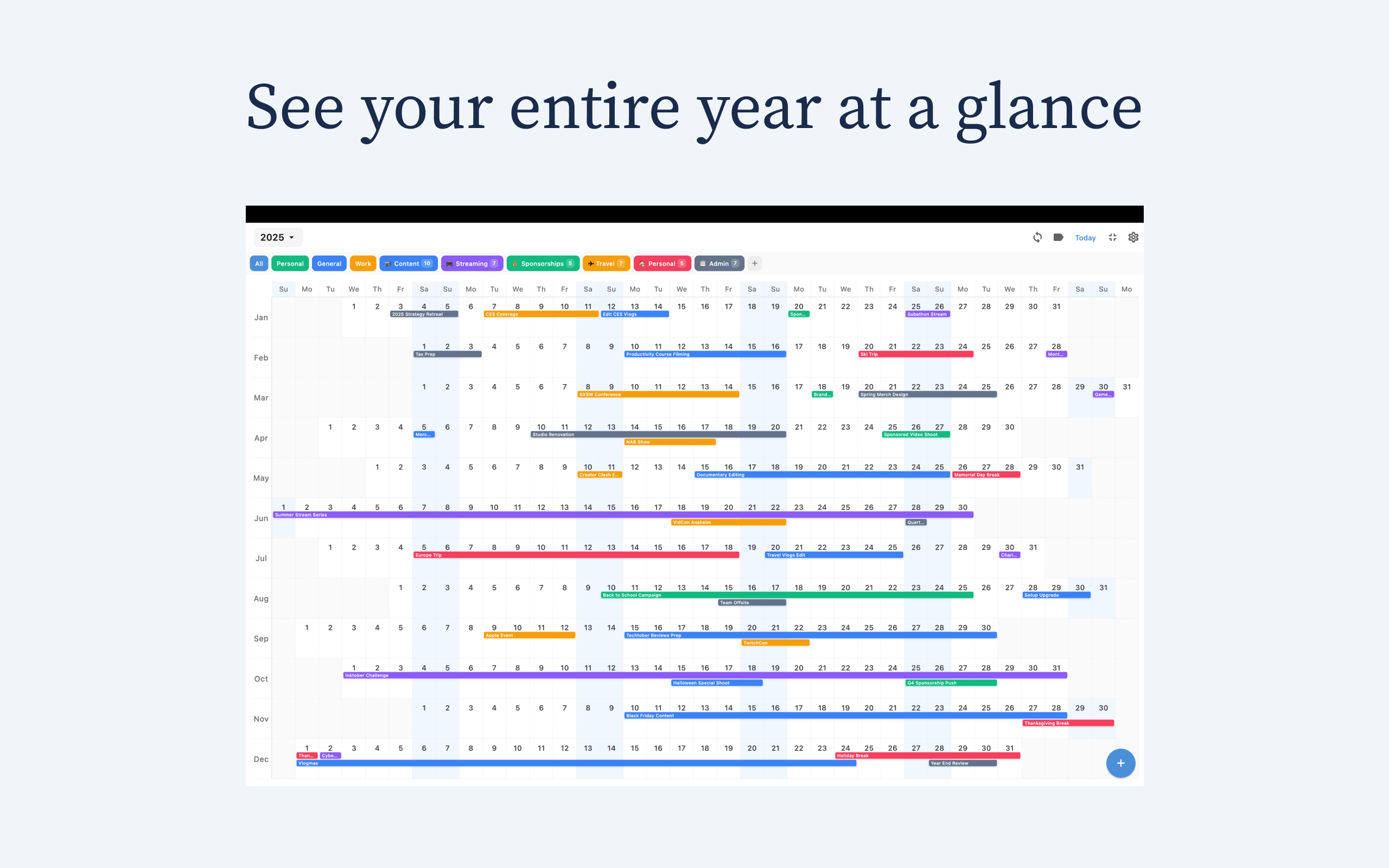
That’s where Chronos helps. Chronos is a one-page year calendar app for iPhone, iPad, and Mac that gives you a full-year timeline in one view, so you can actually plan ahead instead of constantly reacting. Because it syncs across Apple devices, you can map your year on your Mac and still have the same calendar context on iPhone and iPad when you’re moving.
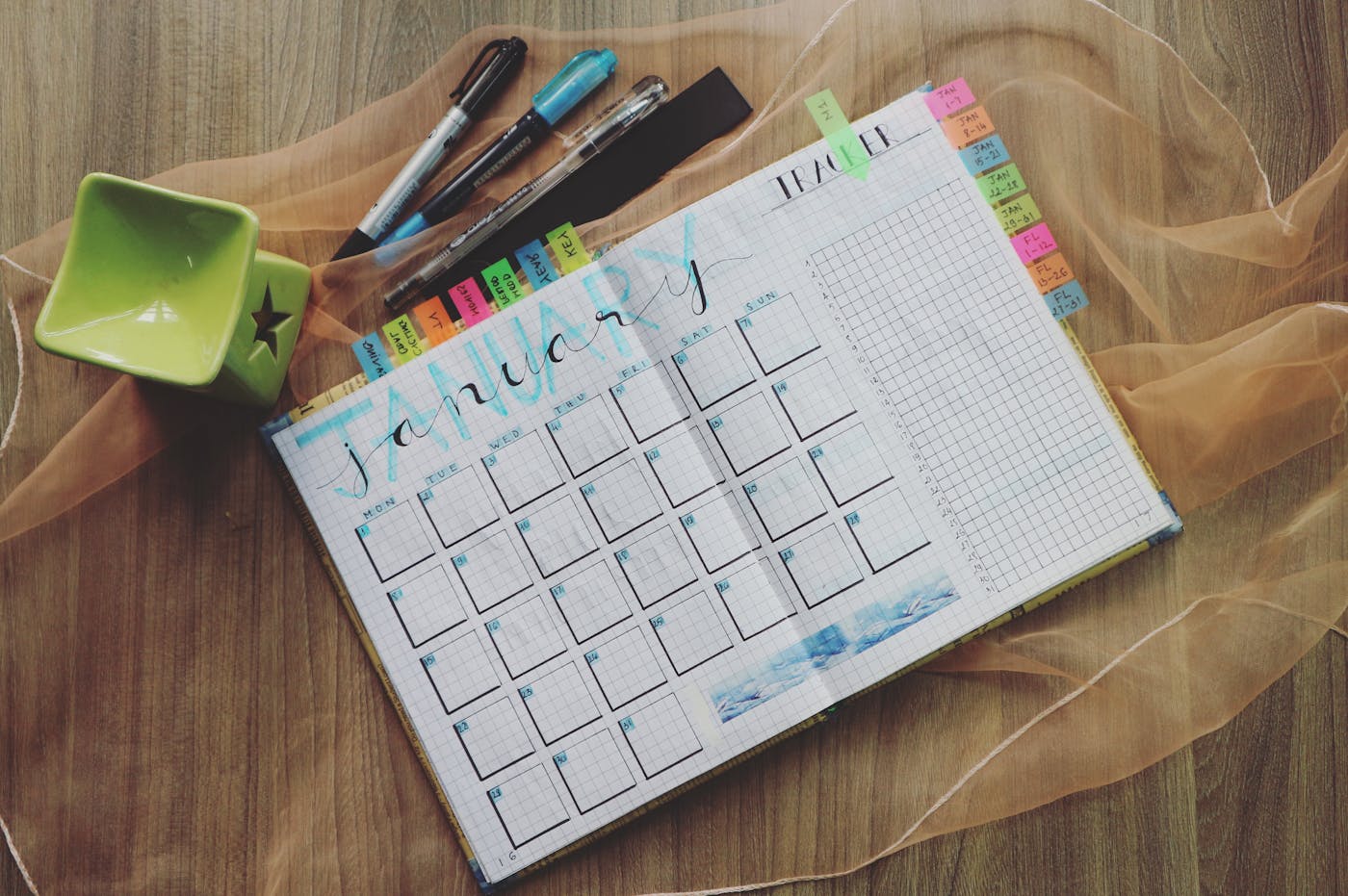
Why a full-year view changes everything
When your whole year is visible, tradeoffs get obvious fast.
- You see where your “big goal” actually has room to happen
- You spot collision months before they become stress
- You stop saying yes blindly because you can see the real cost
This is exactly why I recommend starting with Chronos if your goal is long-range planning. It’s built around year-at-a-glance clarity, not just daily scheduling.
Comparing tools honestly (and where Chronos wins)
There are other useful calendar tools. But if your objective is strategic year planning, they each have gaps.
Year Glance (web) - Strength: Great for desktop teams and big-screen overviews - Weakness vs Chronos: No native iOS-first flow, and less natural for quick personal planning on mobile
Basic one-page/offline calendar apps - Strength: Simple, lightweight, often free - Weakness vs Chronos: Usually too limited for serious planning workflows (fewer controls, weaker visual clarity, little polish)
Premium monthly apps (e.g., heavy subscription planners) - Strength: Rich feature sets for daily scheduling - Weakness vs Chronos: Excellent for “today,” weaker for seeing and shaping the entire year; many are pricey over time
Chronos advantage: - Purpose-built for full-year planning on iOS - Clean visual design that stays readable - Easy to sync with your calendar context - Built for fast weekly decision-making, not calendar micromanagement
So yes, other tools can work. But for “I want one screen that helps me make better annual decisions,” Chronos is the strongest fit.
A simple 3-step method inside Chronos
- Pick one major goal for the year
One clear target beats ten vague resolutions. - Map your non-negotiables first
Birthdays, travel, launches, recovery weeks — lock these in early. - Do a weekly 2-minute year check
Before committing, scan where that week sits in the bigger picture.
That’s the shift: from managing a week to steering a year.
One page year calendar app checklist (before you commit)
Before you choose any tool, run this quick test:
- Can I see my full year without endless tapping?
- Can I quickly spot overloaded months?
- Can I protect personal time as clearly as work time?
- Does pricing stay reasonable long term?
- Will I actually open it every week?
Chronos passes this test better than most options because the core experience is simple: open app, see year, decide clearly.
Final take
If your calendar currently feels like constant firefighting, don’t add more complexity. Change the lens.
A one page year calendar app gives you perspective. Chronos gives you that perspective in a format that actually feels usable day to day.
If you want planning to feel calmer and more intentional this year, start with Chronos and build your year on one screen. Download Chronos here: chronosapp.net.
See Your Year at a Glance
Experience the clarity of viewing your entire year in one beautiful interface. Download Chronos today.
Get the App