Linear vs Grid Calendar: Which View Is Better for Long-Term Planning?
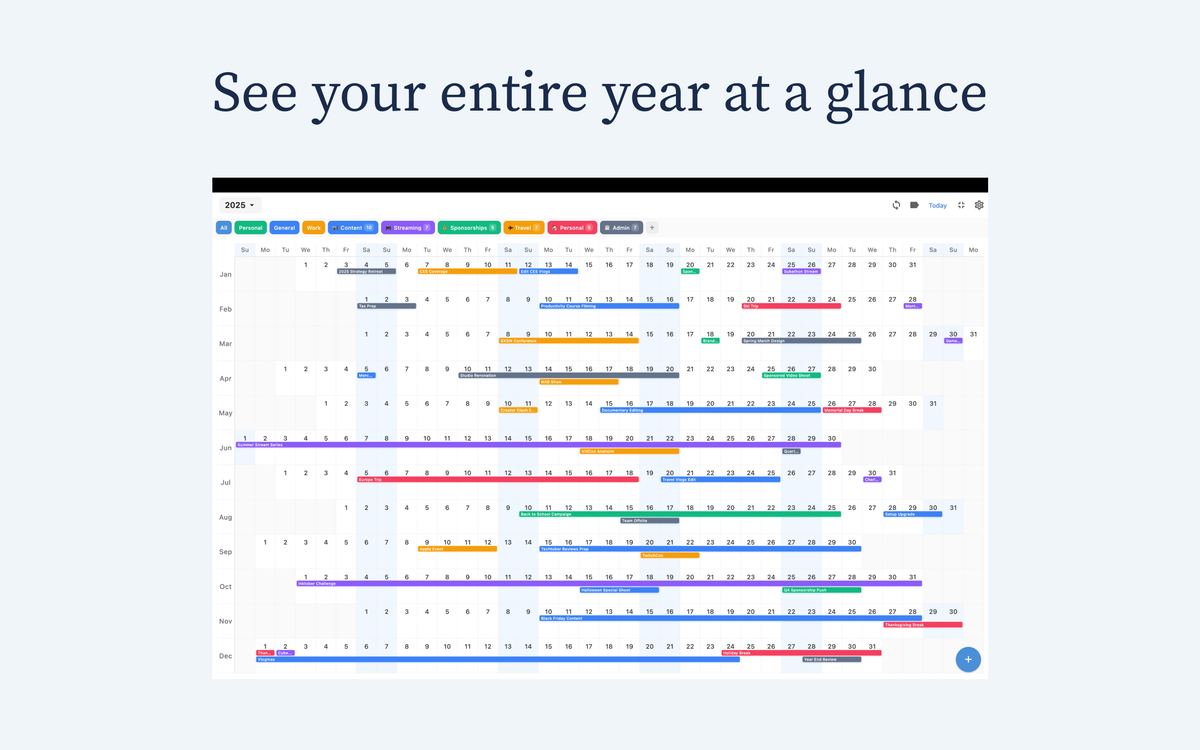
Most calendar apps default to a grid month view. It is familiar and quick for checking dates. If your planning horizon is only this week or this month, grid works fine.
The problem starts when you plan bigger blocks of life and work. Launches, school terms, travel, and family commitments do not happen in isolated month boxes. They overlap. When you keep flipping month to month, you lose continuity and make reactive decisions.
That is the real linear vs grid calendar question: do you only need a monthly snapshot, or do you need to understand the flow of your year?

Chronos is designed for that second job. It gives a continuous, year-level timeline across iPhone, iPad, and Mac, so you can make decisions with context instead of guessing what is coming next.

Where grid calendars still make sense
Grid calendars are practical for quick tactical work. They are useful when you want to check appointment density in one month, confirm a date quickly, or share a familiar visual with someone who already thinks in monthly blocks.
For short-term scheduling, this is efficient. You open the month, tap a day, and move on.
But long-term planning is not mostly about single days. It is about pacing and tradeoffs across multiple months. Grid views are not strong at showing that shape.
Why linear calendars are stronger for long-range planning
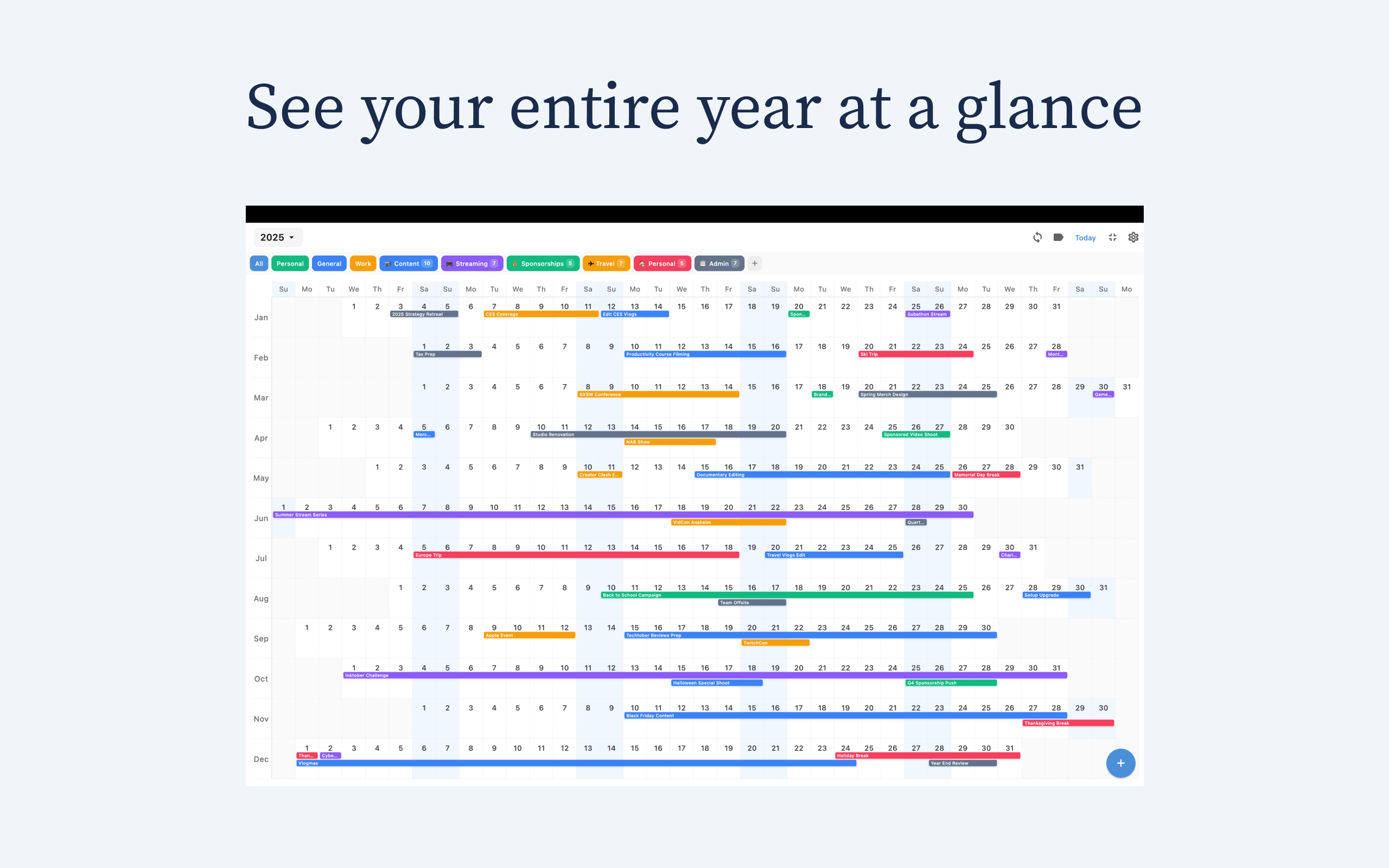
A linear calendar view places time in sequence. Instead of jumping between pages, you scan forward naturally and see how one decision affects later periods.
In Chronos, that leads to better planning habits. You can spot overloaded stretches early, protect recovery weeks before burnout appears, and avoid stacking travel, launches, and deadlines on top of each other. You can also coordinate personal and work timelines in one flow, which is harder to do when months are separated.
!Chronos full-year linear calendar on Mac
Real planning examples
For product teams, a linear view makes it easier to map build, QA, and release windows without losing sequence. For families, it helps align school terms, breaks, and trips across the year. For personal planning, it makes habit cycles and travel recovery visible, so routines are more realistic.
These are not visual preferences. They are decision-quality improvements. The better your time context, the fewer surprises you get later.
Which one should you choose?
Choose a grid calendar if most of your needs are day-to-day scheduling and monthly check-ins.
Choose a linear calendar if your biggest pain is planning ahead and avoiding collisions between important commitments.
Many people use both views. But if you want to think clearly about the next six to twelve months, a linear-first workflow is usually the better foundation.
Chronos gives you that foundation with full-year visibility and iCloud sync across iPhone, iPad, and Mac. It keeps pricing simple too, with $4.99 per year or $14.99 lifetime.
Final take
Grid calendars are familiar. Linear calendars are better for long-term decisions.
If your goal is to plan with less stress and more clarity, Chronos is the practical choice. Try Chronos and start shaping your year before your year shapes you.
See Your Year at a Glance
Experience the clarity of viewing your entire year in one beautiful interface. Download Chronos today.
Get the App