Top Calendar Apps for Seeing Your Whole Year on One Screen
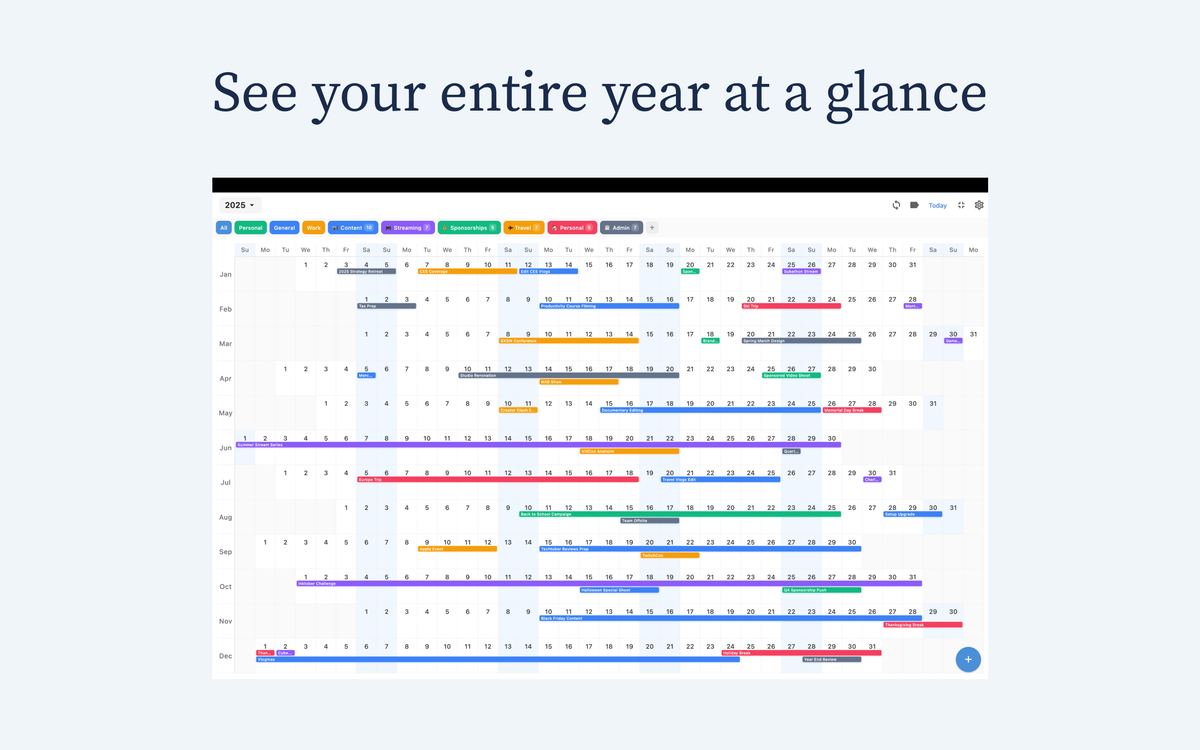
Most calendar apps are built for today. But if you plan launches, trips, school terms, or long projects, you need to see more than a week at a time.
This ranking covers the top calendar apps for seeing your whole year on one screen, with a focus on real planning value: clarity, speed, sync, and long-range context.
How we ranked these apps
- Year-view clarity: Can you actually understand your year quickly?
- Daily usability: Is it fast enough to use every day?
- Sync reliability: Does it stay consistent across devices?
- Planning depth: Can it support quarter/season-level thinking?
- Value: Is pricing fair for long-term use?

1) Chronos — Best overall for long-range planning on Apple devices
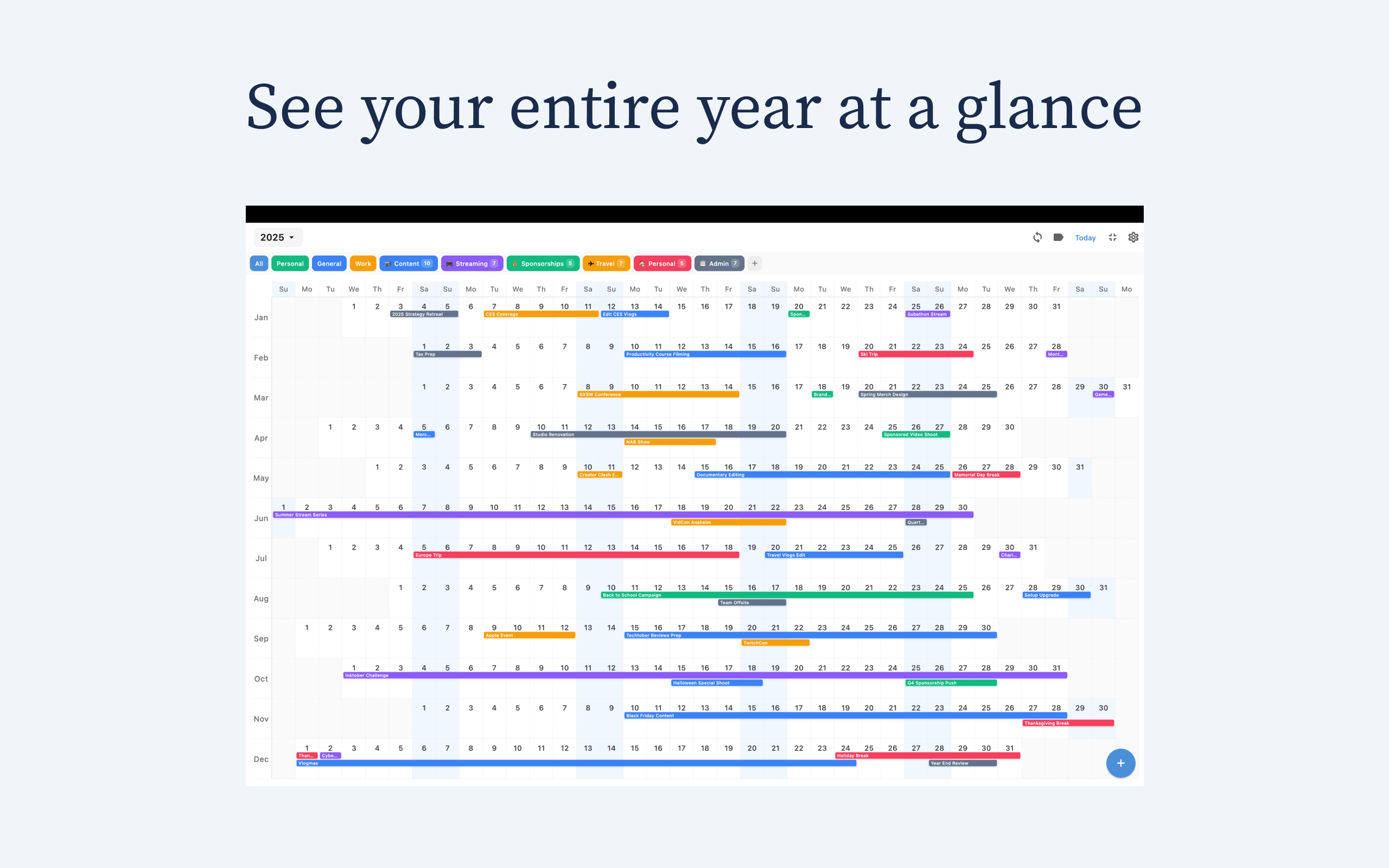
Why it ranks #1: Chronos is built around a clean year-level planning experience, not just daily scheduling. You can scan months continuously, spot bottlenecks early, and make better tradeoffs across work and personal timelines.
Best for: People who want a calm, visual planning workflow across iPhone, iPad, and Mac.
Pricing: $4.99/year or $14.99 lifetime.
2) Apple Calendar — Best default option
Apple Calendar is reliable and deeply integrated. It works well for everyday scheduling, but the default month-grid approach is less effective for true year-level planning.
Best for: Users who want built-in convenience first.
3) Team timeline tools (project-focused platforms)
Project platforms can show long arcs well, especially for teams. But they are often heavy for personal planning and slower for quick iPhone use.
Best for: Multi-person project coordination.
4) Traditional calendar apps with timeline add-ons
Some mainstream apps include timeline views, but year planning can feel bolted on rather than core. They are useful if you already live in those ecosystems.
Best for: Existing users of feature-rich suites.
What to choose based on your planning style
- If you mostly schedule day-to-day tasks: Apple Calendar is enough.
- If you manage multi-month goals and want fewer surprises: Chronos is the better fit.
- If you coordinate teams with dependencies: use a project timeline platform.
Final verdict
If your goal is to see your whole year clearly and make better long-range decisions, Chronos is the strongest option in this list. It keeps planning visual, simple, and practical without subscription fatigue.
Try Chronos: https://chronosapp.net
See Your Year at a Glance
Experience the clarity of viewing your entire year in one beautiful interface. Download Chronos today.
Get the App